 Juktp Cast
01
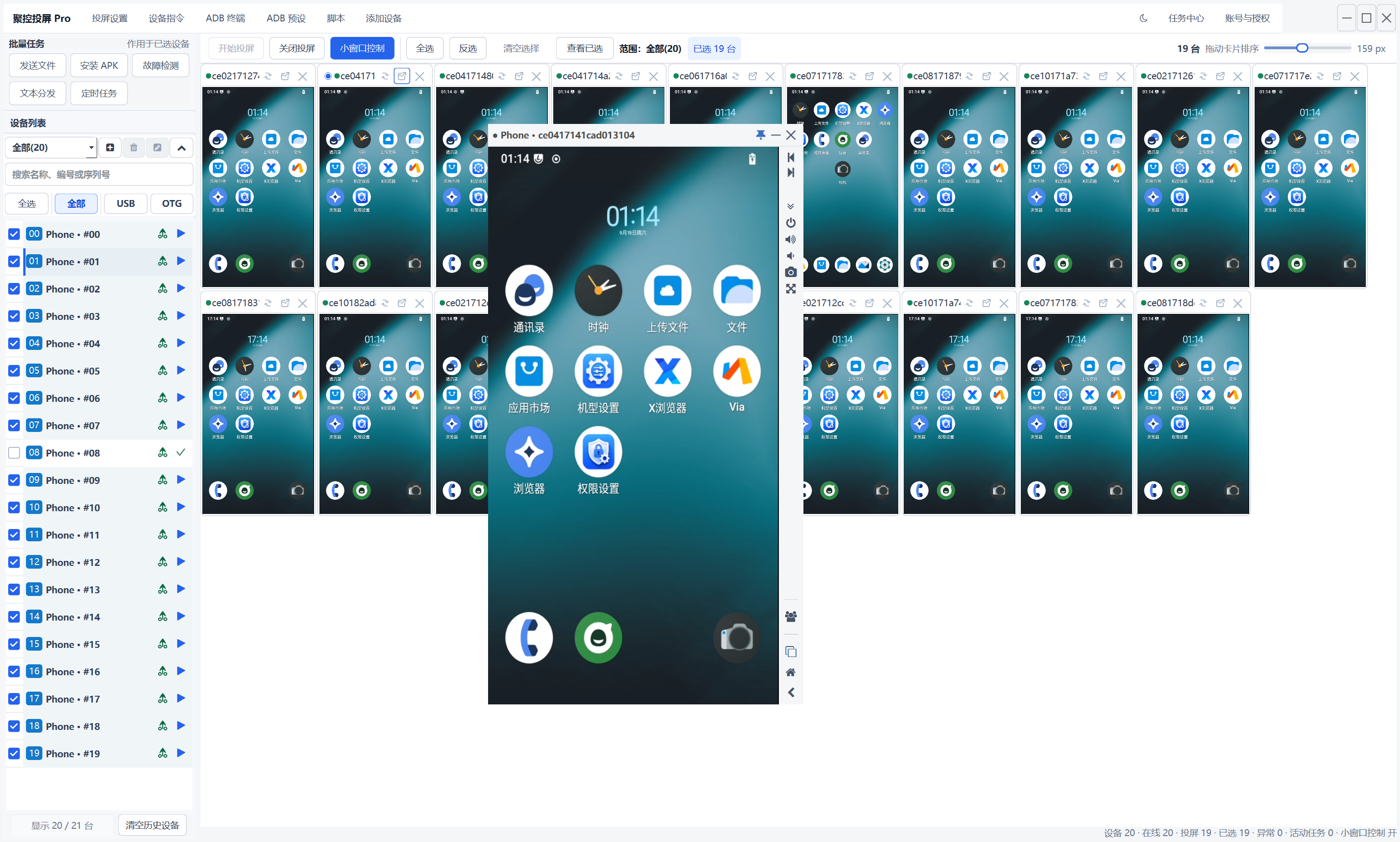
Choose one device for focused control
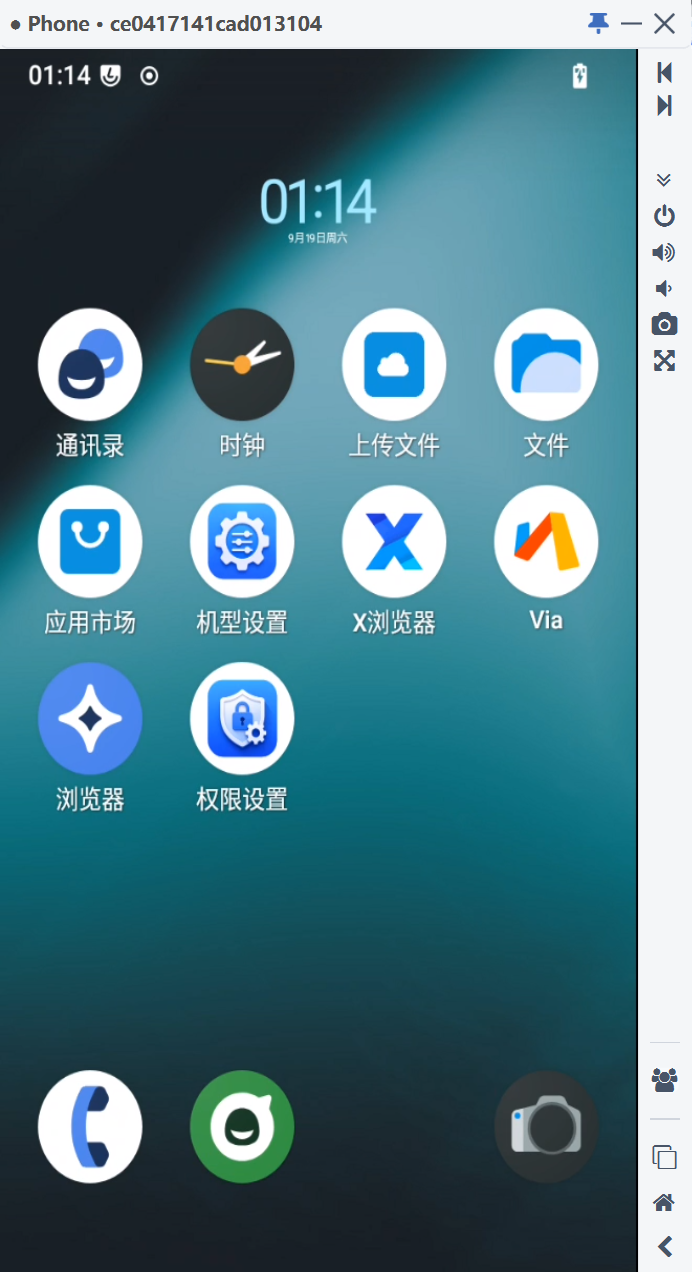
Select a phone from the multi-device workspace, open its separate control window and operate it on its own.
Juktp Cast helps cross-border e-commerce teams manage Android phones together for promotion work across TikTok, Instagram, Facebook, WhatsApp and X (Twitter).
Free foreverNo limits
Bring Android phones into one workspace for everyday operations, testing, rollout and maintenance.
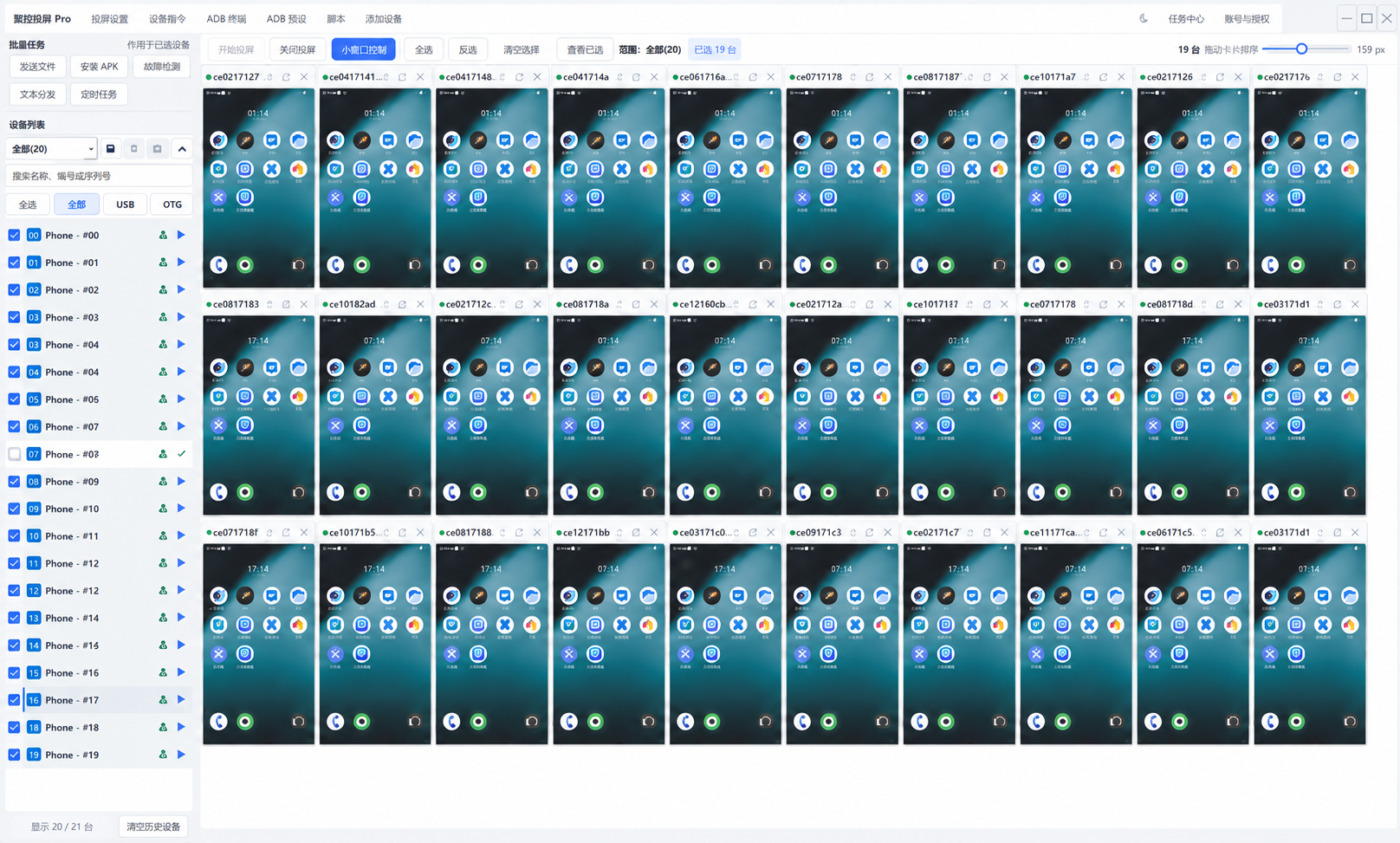
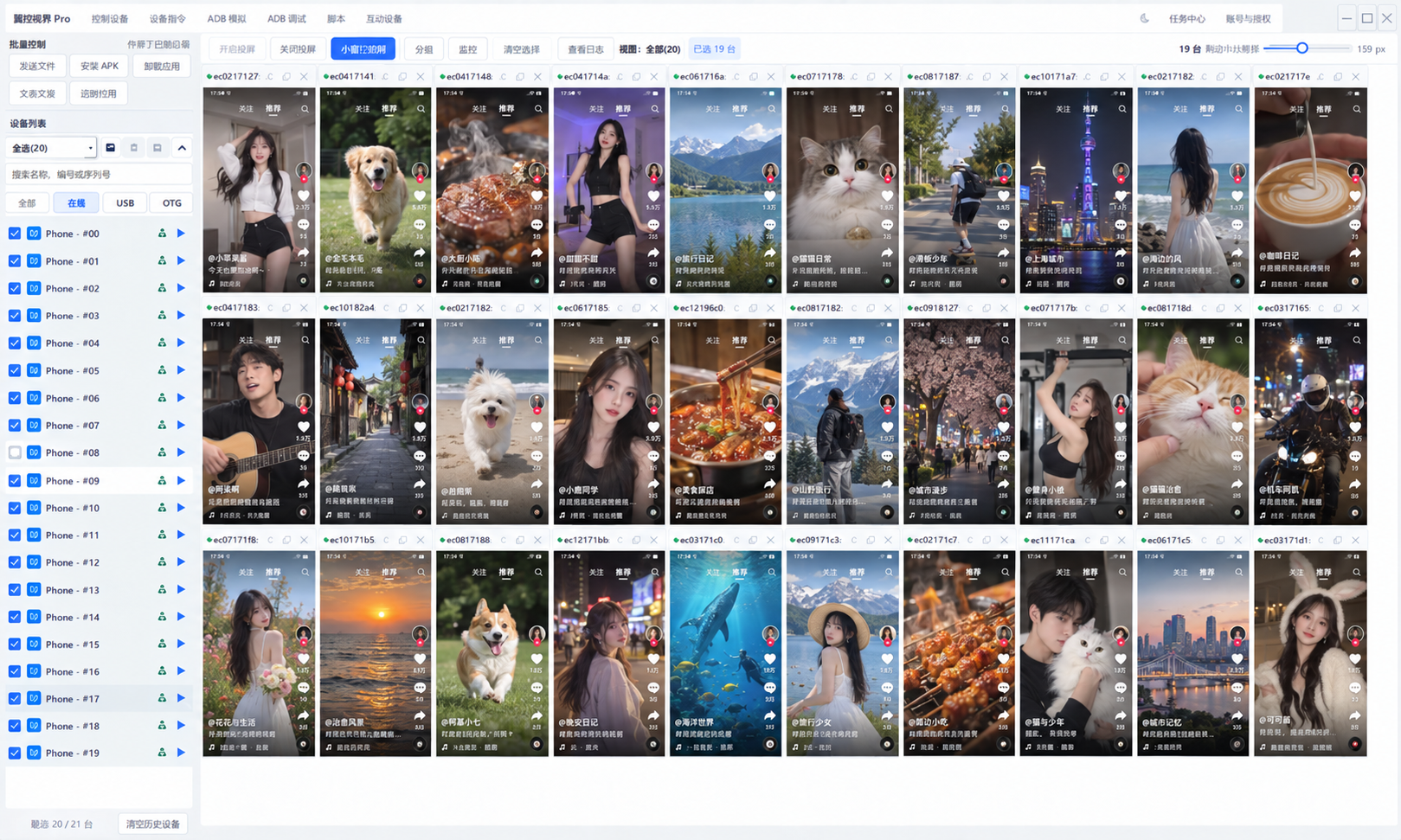
Juktp Cast keeps Android devices, connection state, selected scope and common actions visible in one Windows workspace.
Explore product capabilities ↗Keep device status, selected scope and task results visible from connection to completion.
Select a phone from the multi-device workspace, open its separate control window and operate it on its own.
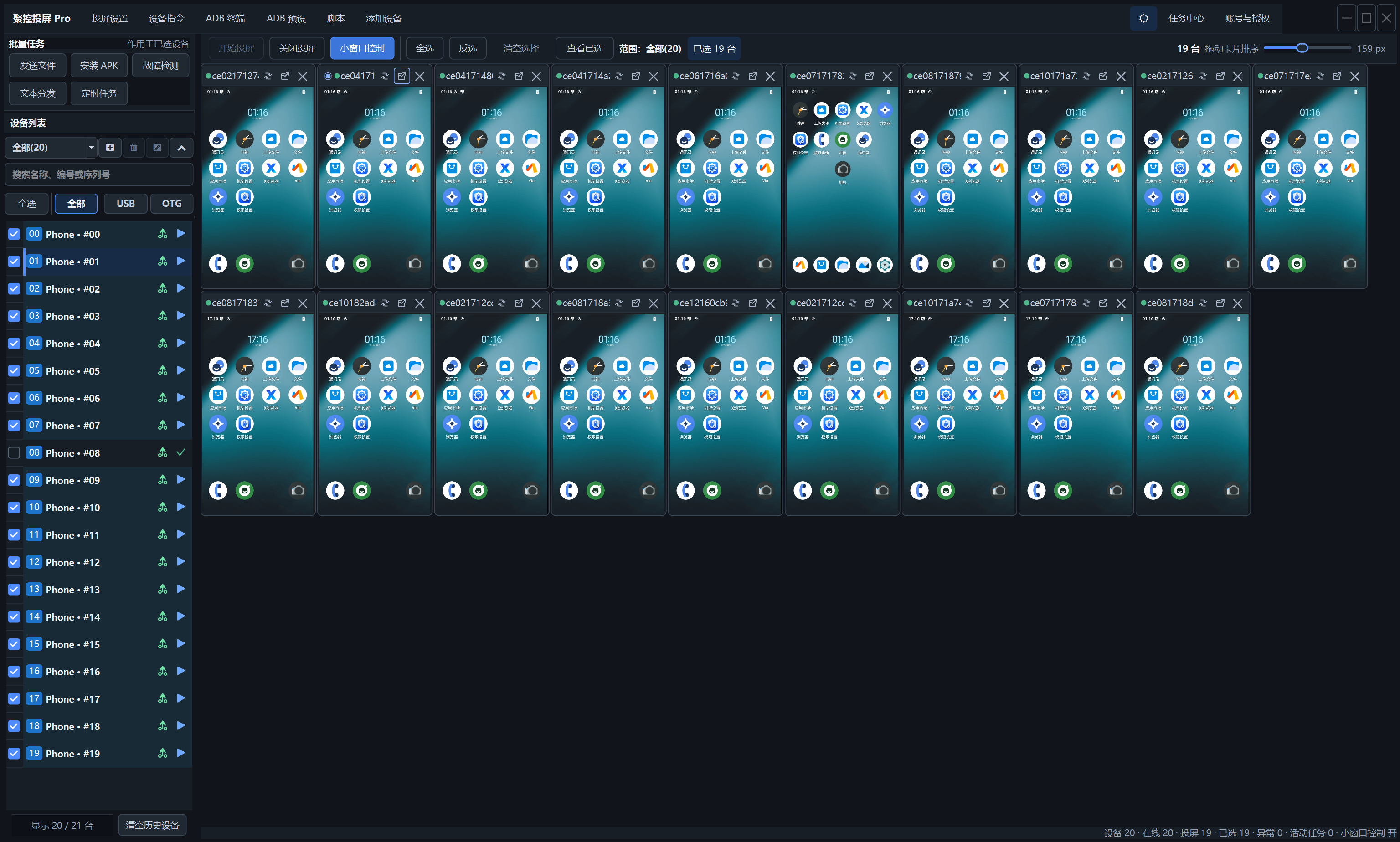
Choose the theme that fits your environment and keep long device sessions clear and comfortable.
Deliver files, install APKs and review the result for each device.
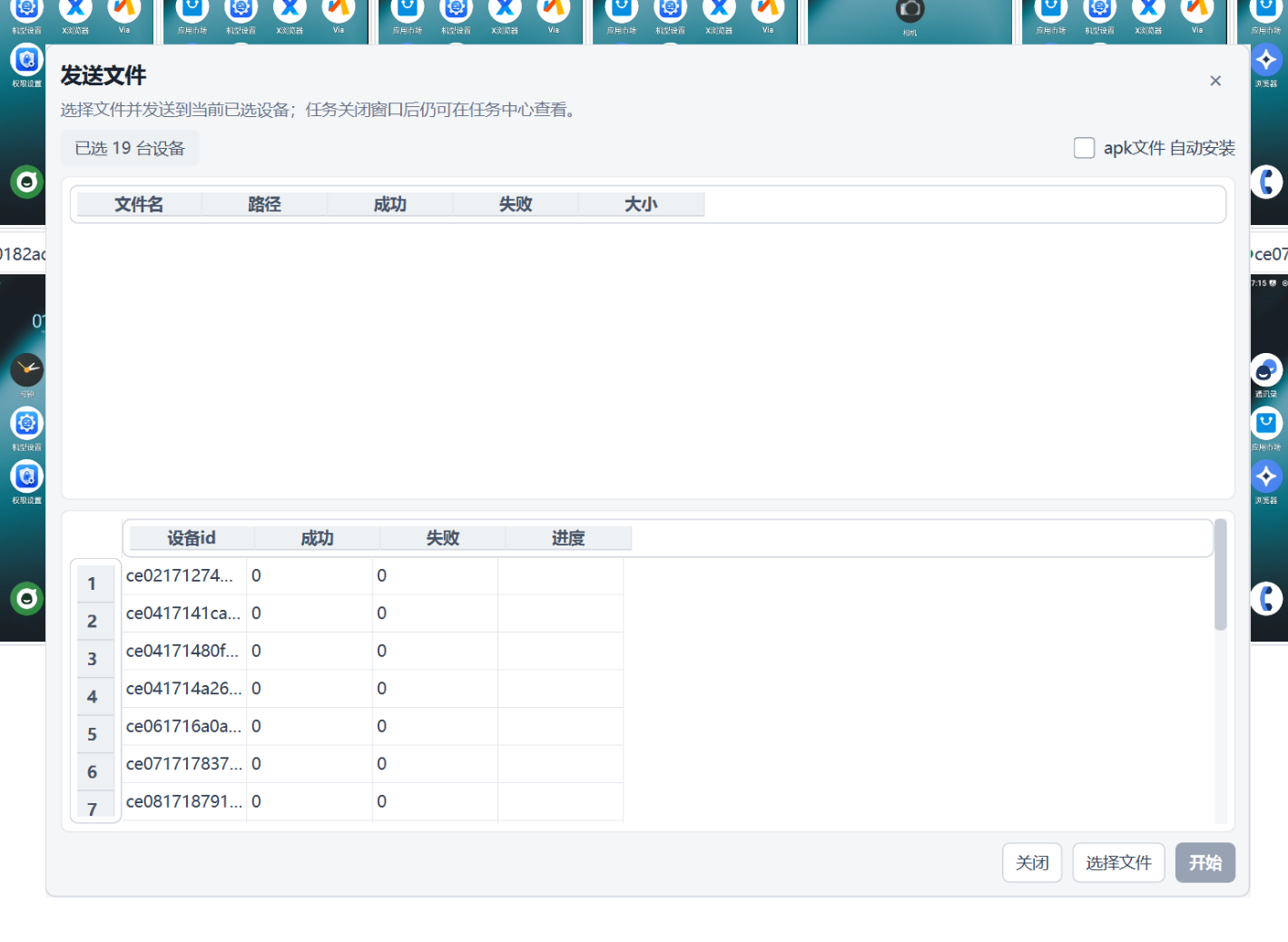
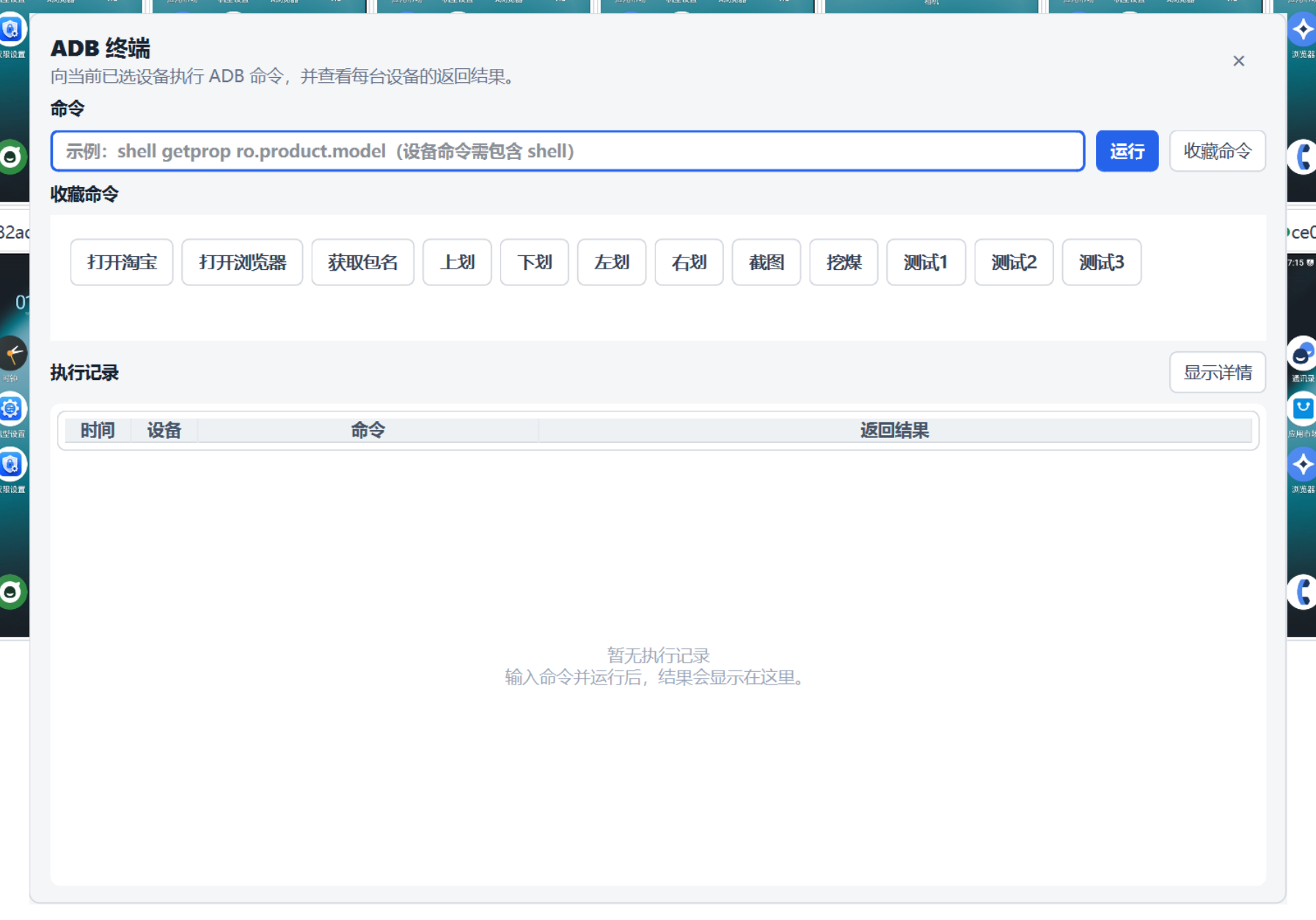
Run common ADB commands while keeping task state available for review.
Keep the device image crisp and responsive while operating a single phone in its own control view.
See successes, failures and devices that need a retry.
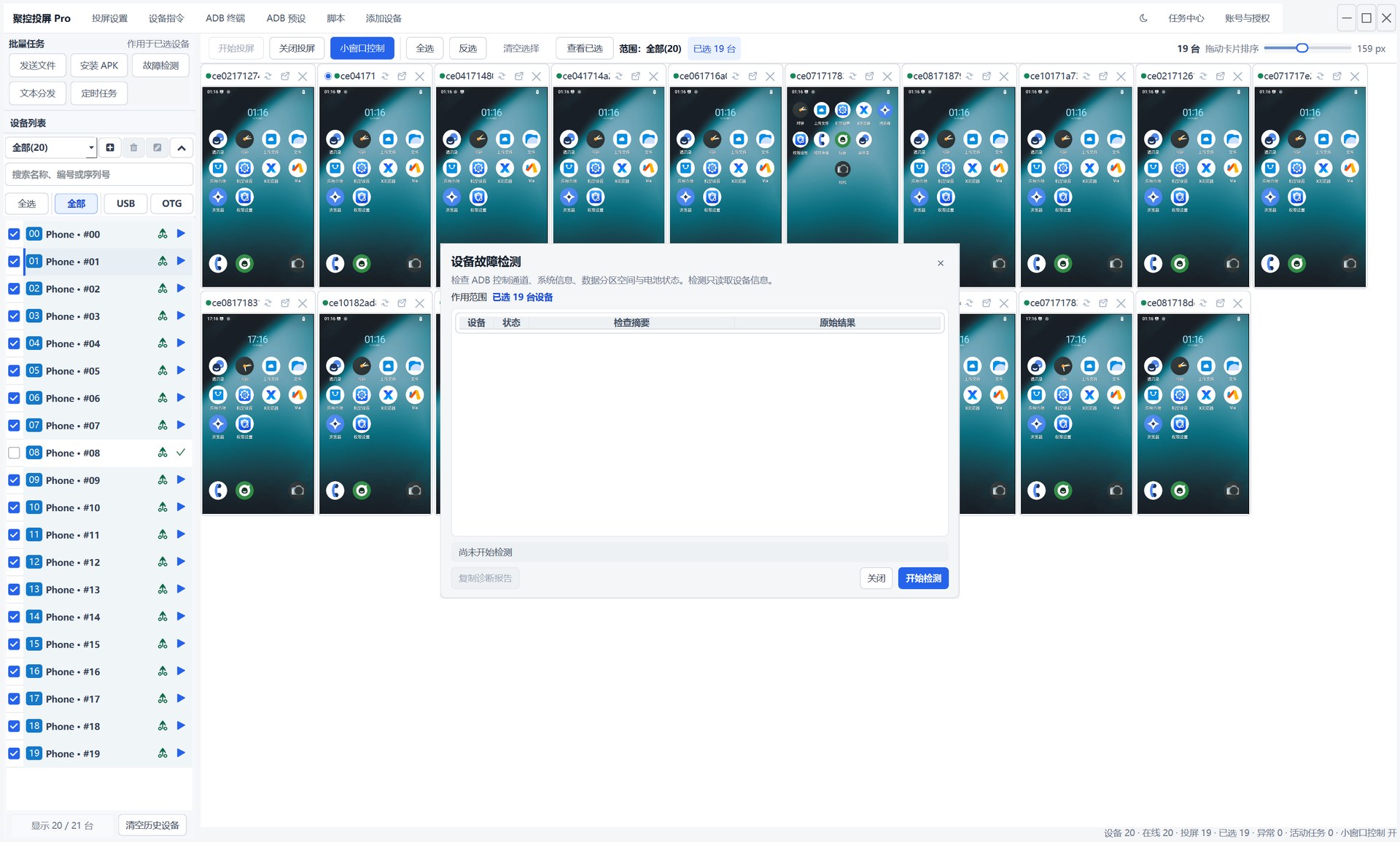
From app testing to maintenance, keep common operations in one clear flow.
Connect different Android devices and inspect them from Windows.
Push files, install APKs and review task results by device.
Confirm a group or status scope before a single or batch operation.
From download to casting, each step has a matching guide.
Get the Windows x64 client and extract it.
Turn on developer options and USB debugging on Android.
Connect the device and approve the Android prompt.
Select a device, view its screen or run a task.
Find the current build, release details and checksum in the download center.